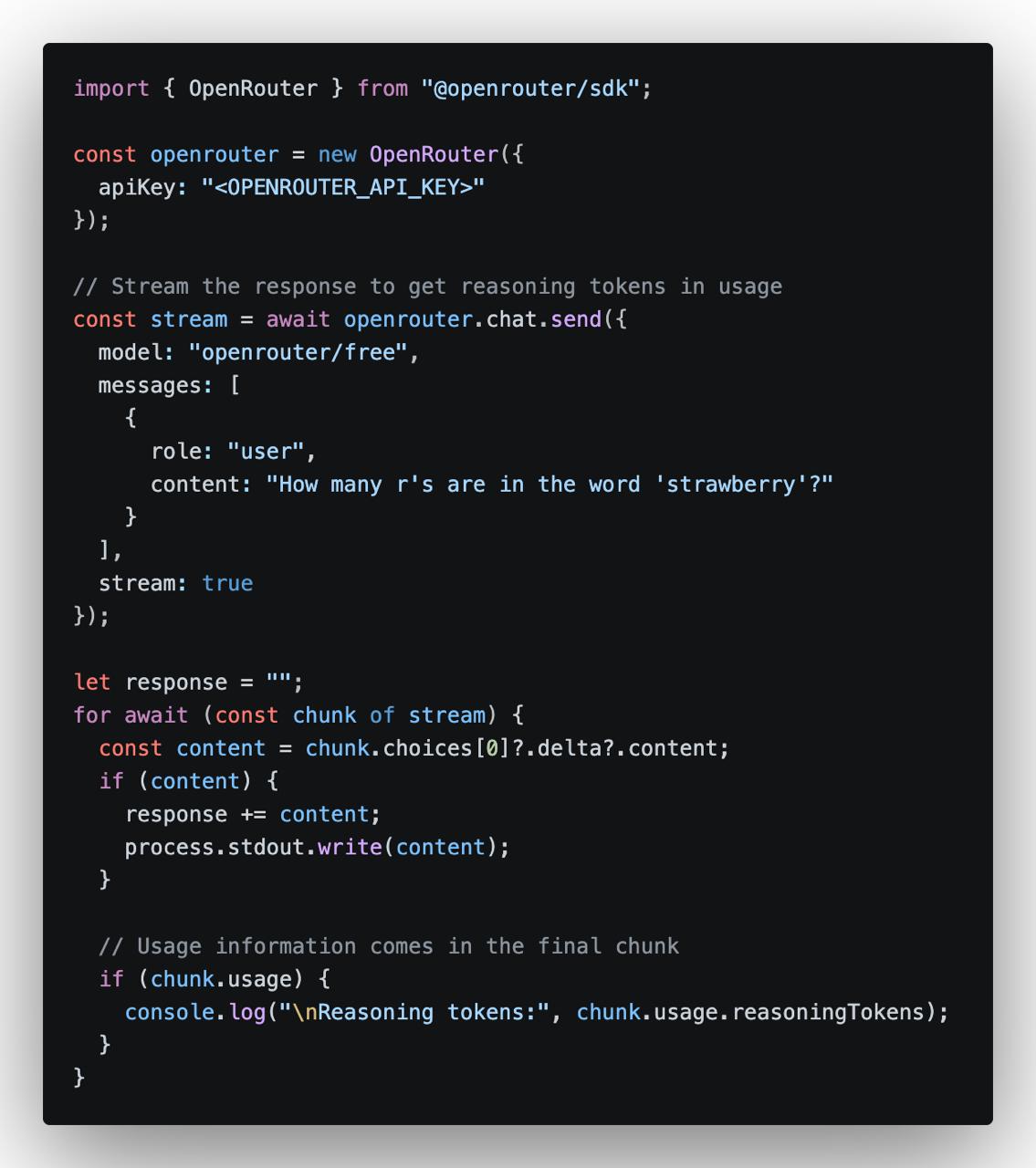
Verified on: July 11, 2026. OpenRouter may change its free-model availability, limits, and account policies at any time.
How to Use Free AI Models on OpenRouter in 2026
OpenRouter allows developers to access many AI models through one OpenAI-compatible API. It also provides a selection of free models that can be used for testing, learning, personal tools, and small AI projects.
You can use free models in two ways:
- Use
openrouter/freeand let OpenRouter automatically select an available free model. - Choose a specific model whose ID ends with
:free.
What Is OpenRouter Free?
The OpenRouter Free Models Router uses this model ID:
openrouter/freeWhen you send a request, OpenRouter chooses a compatible free model based on current availability and the features required by your prompt.
This is the easiest option for general testing. However, the underlying model may change between requests, so the writing style and response quality may not always be identical.
Official page:
https://openrouter.ai/openrouter/free
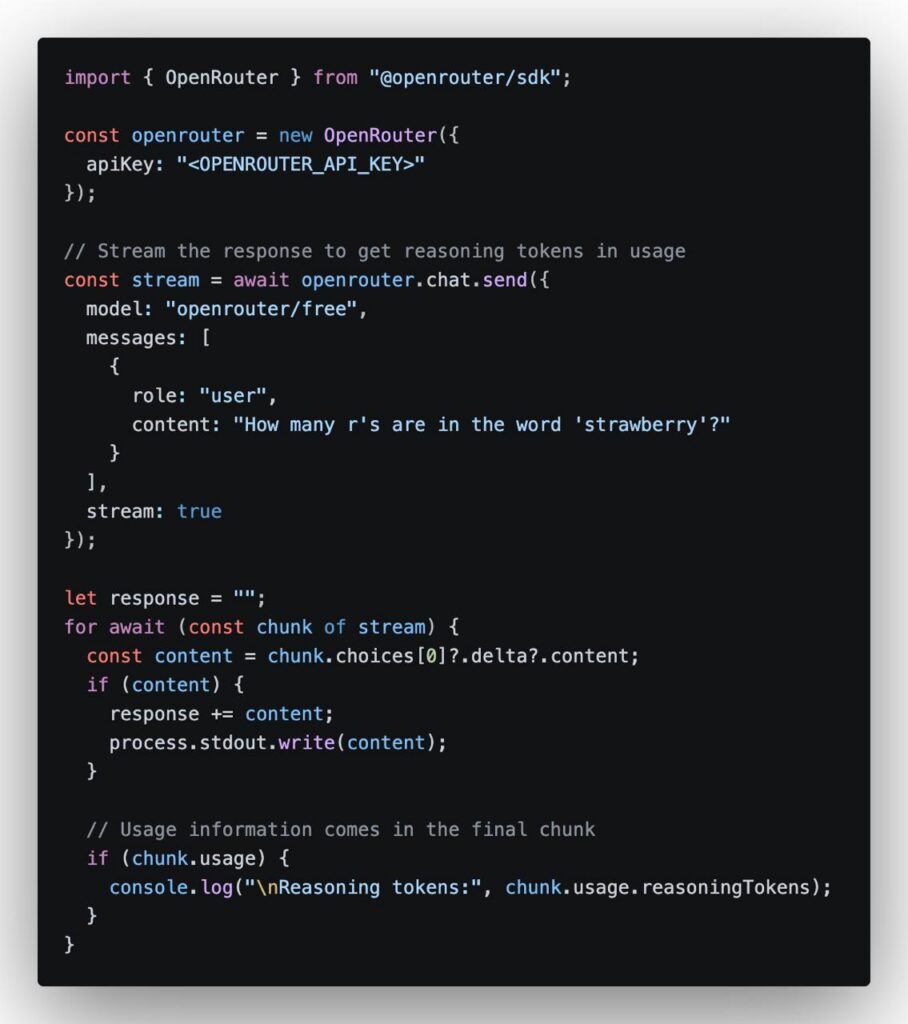
Step 1: Create an OpenRouter Account
Visit OpenRouter and sign in:
After signing in, open the API Keys page:
Click the button to create a new API key. Use a clear name such as:
wordpress-ai-test
python-chatbot
openrouter-free-demo
An OpenRouter API key normally starts with:
sk-or-v1-Step 2: Find Free Models
Open the current free-model collection:
https://openrouter.ai/collections/free-models
A specific free model usually has an ID ending with:
:freeFor example:
provider/model-name:freeBecause free-model availability changes frequently, copy the current model ID directly from the OpenRouter model page instead of using an old model name from another tutorial.
Step 3: Store the API Key
On Linux or macOS:
export OPENROUTER_API_KEY="sk-or-v1-replace-with-your-key"For a project using a .env file:
OPENROUTER_API_KEY=sk-or-v1-replace-with-your-keyDo not place the key in browser JavaScript, public GitHub repositories, screenshots, WordPress page content, or front-end source code.
Step 4: Test a Free Model with cURL
OpenRouter uses the following OpenAI-compatible endpoint:
https://openrouter.ai/api/v1/chat/completionsRun this test request:
curl https://openrouter.ai/api/v1/chat/completions \
  -H "Authorization: Bearer ${OPENROUTER_API_KEY}" \
  -H "Content-Type: application/json" \
  -d '{
    "model": "openrouter/free",
    "messages": [
      {
        "role": "user",
        "content": "Explain what a reverse proxy does in simple terms."
      }
    ],
    "max_tokens": 400
  }'
To use a specific free model, replace:
"model": "openrouter/free"with the current model ID copied from OpenRouter:
"model": "provider/model-name:free"Use OpenRouter with OpenAI-Compatible Apps
Many AI clients and development tools support custom OpenAI-compatible APIs. Use the following settings:
API Base URL:
https://openrouter.ai/api/v1

API Key:
sk-or-v1-xxxxxxxxxxxxxxxx

Model:
openrouter/free
You can also replace openrouter/free with a specific :free model.
OpenRouter Free Limits
Free models are not unlimited. OpenRouter applies daily and rate limits.
- Accounts without at least 10 purchased credits are generally limited to 50 free-model API requests per day.
- Accounts that have purchased at least 10 credits are generally allowed up to 1,000 free-model API requests per day.
These limits may change. Check the latest official documentation before building an application that depends on free access:
https://openrouter.ai/docs/api/reference/limits
Common Errors
401 Unauthorized
Check that the API key is correct and that the request contains:
Authorization: Bearer YOUR_API_KEY404 or No Available Provider
The selected free model may no longer be available. Copy the latest model ID from OpenRouter or switch to openrouter/free.
429 Too Many Requests
You have reached a rate limit or daily free-model allowance. Wait before retrying and add request limits to your own application.
Is OpenRouter Free Suitable for Production?
Free models are useful for testing, small personal tools, demonstrations, and early product prototypes. They are less suitable for important production services because:
- Free models may be removed or changed.
- Provider capacity may be temporarily unavailable.
- Response speed may vary.
- The automatic free router may use different models.
- Daily request limits are relatively low.
For a production application, use a stable model, add fallback models, set timeouts, monitor usage, and configure a maximum budget.
Security Tips
- Keep the API key on the server.
- Create separate keys for development and production.
- Set a credit limit when creating a key.
- Add user and IP rate limits to public AI endpoints.
- Revoke the key immediately if it is exposed.
- Do not send passwords or confidential data to free models.
Conclusion
OpenRouter is one of the easiest ways to test free AI models through a single API. Use openrouter/free when you want OpenRouter to select an available free model automatically, or choose a specific model ending in :free when you need more consistent results.
The basic process is simple: create an account, generate an API key, select a free model, and send requests to the OpenRouter OpenAI-compatible endpoint.
Free models are ideal for learning and prototyping, but their availability and limits can change. Always check the current OpenRouter model page before relying on a specific free endpoint.
Comments
One response to “How to Use Free AI Models on OpenRouter in 2026”
[…] How to Use Free AI Models on OpenRouter […]